إظهار الرسائل ذات التسميات Minimalist templates. إظهار كافة الرسائل

one column, three footer bars. top horizontal menu, pink color. green banner, water dots on leaf Nature blogger templates / layouts fixed width, dark black background, suitable for Science blogs.

Download
Download

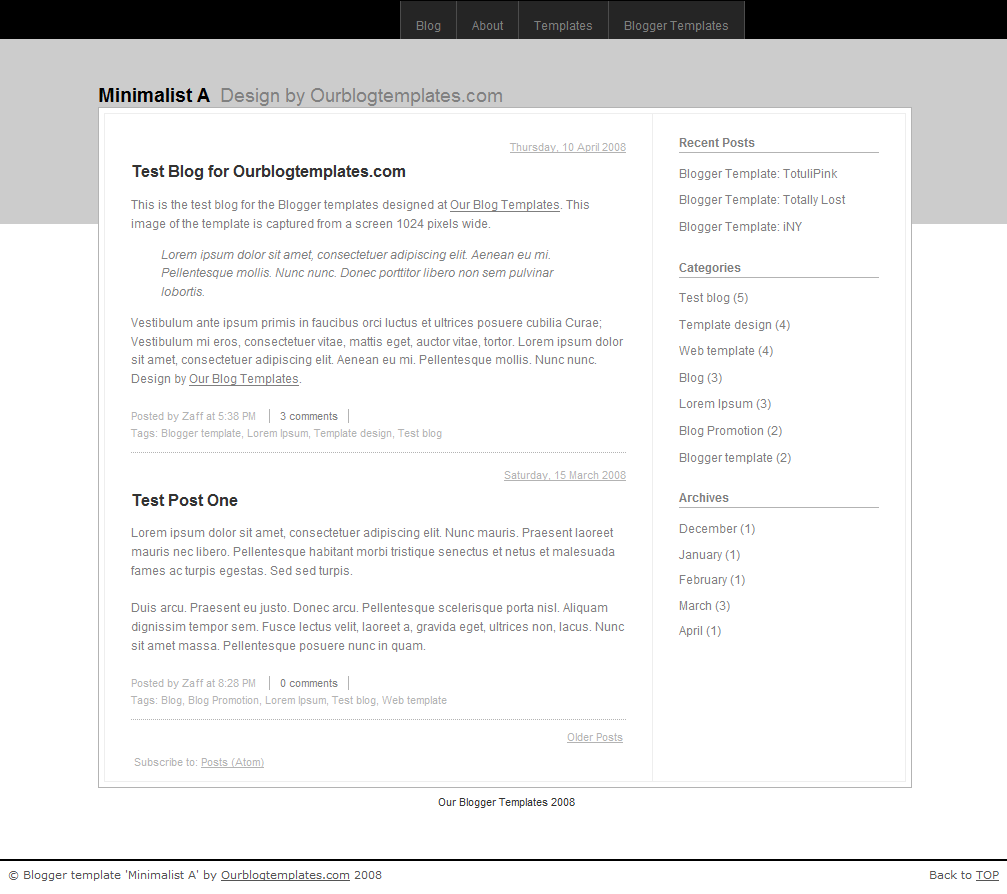
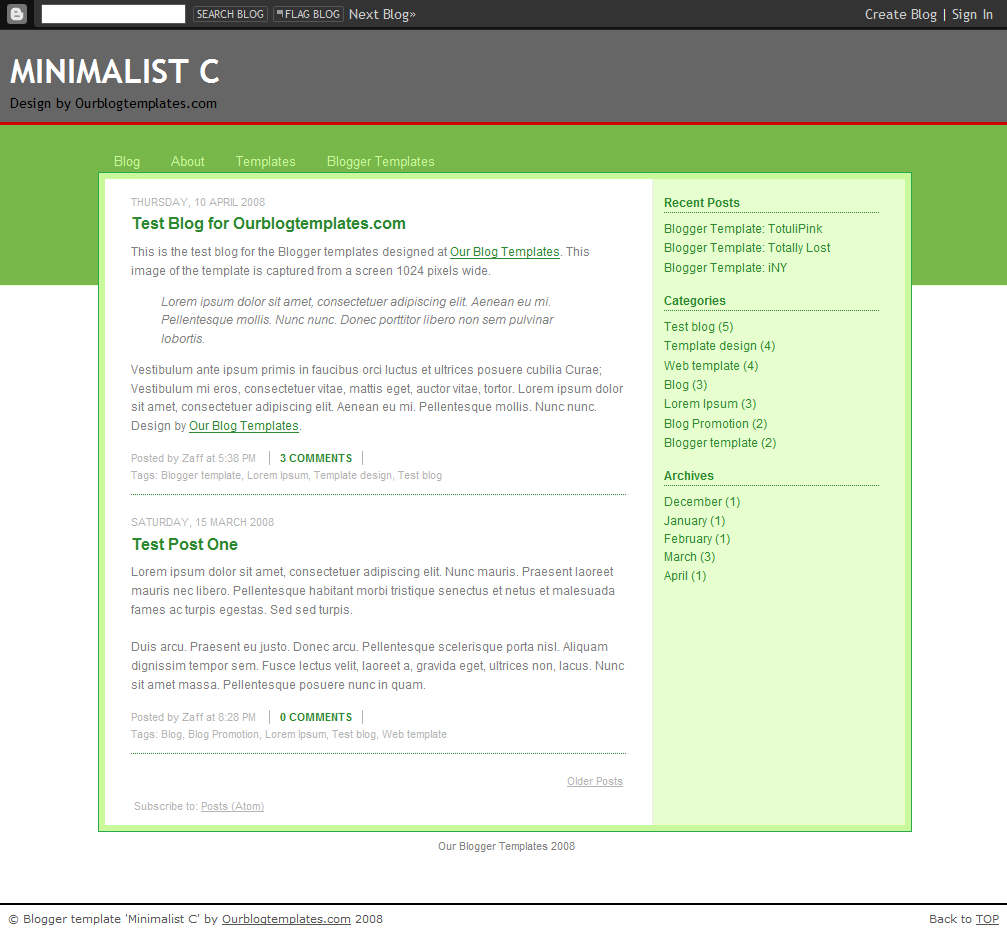
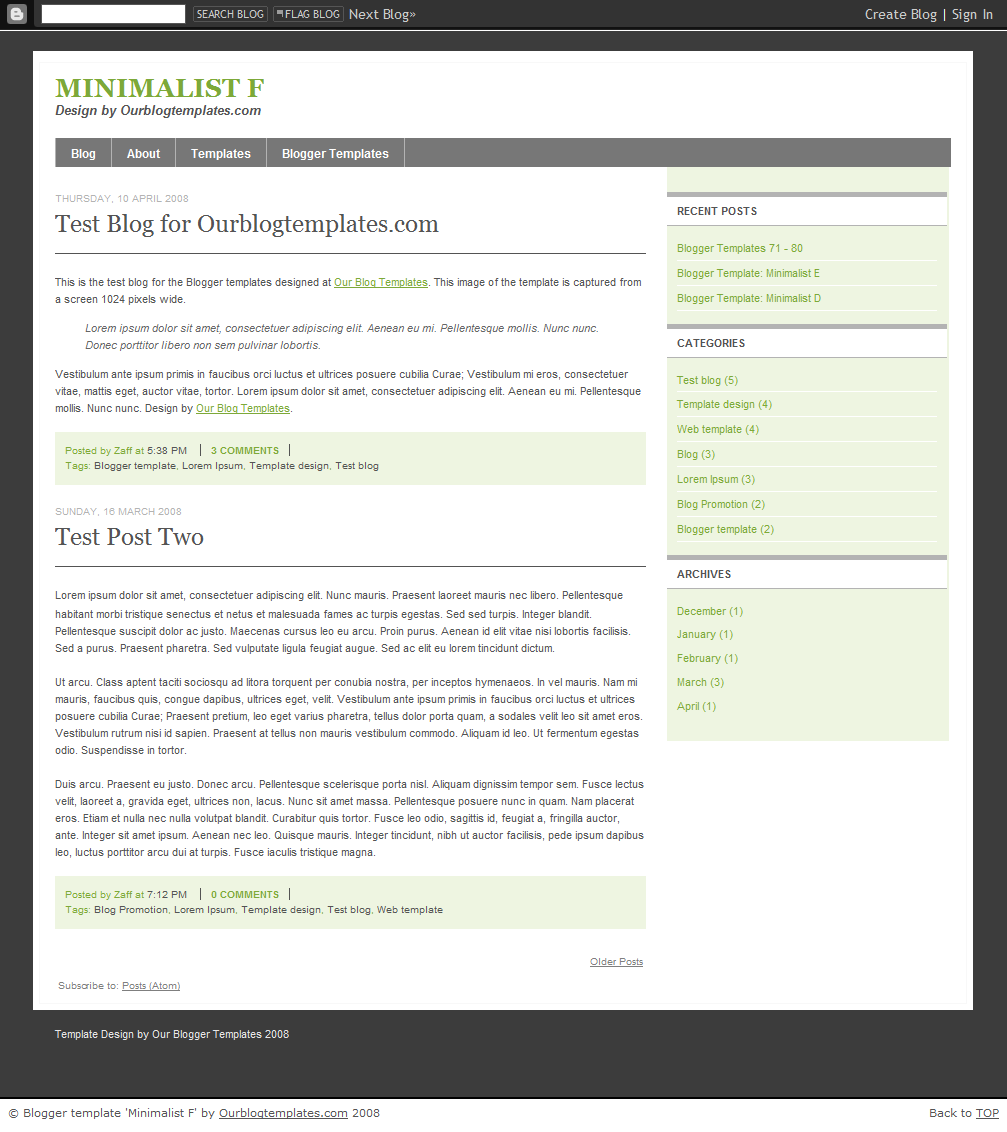
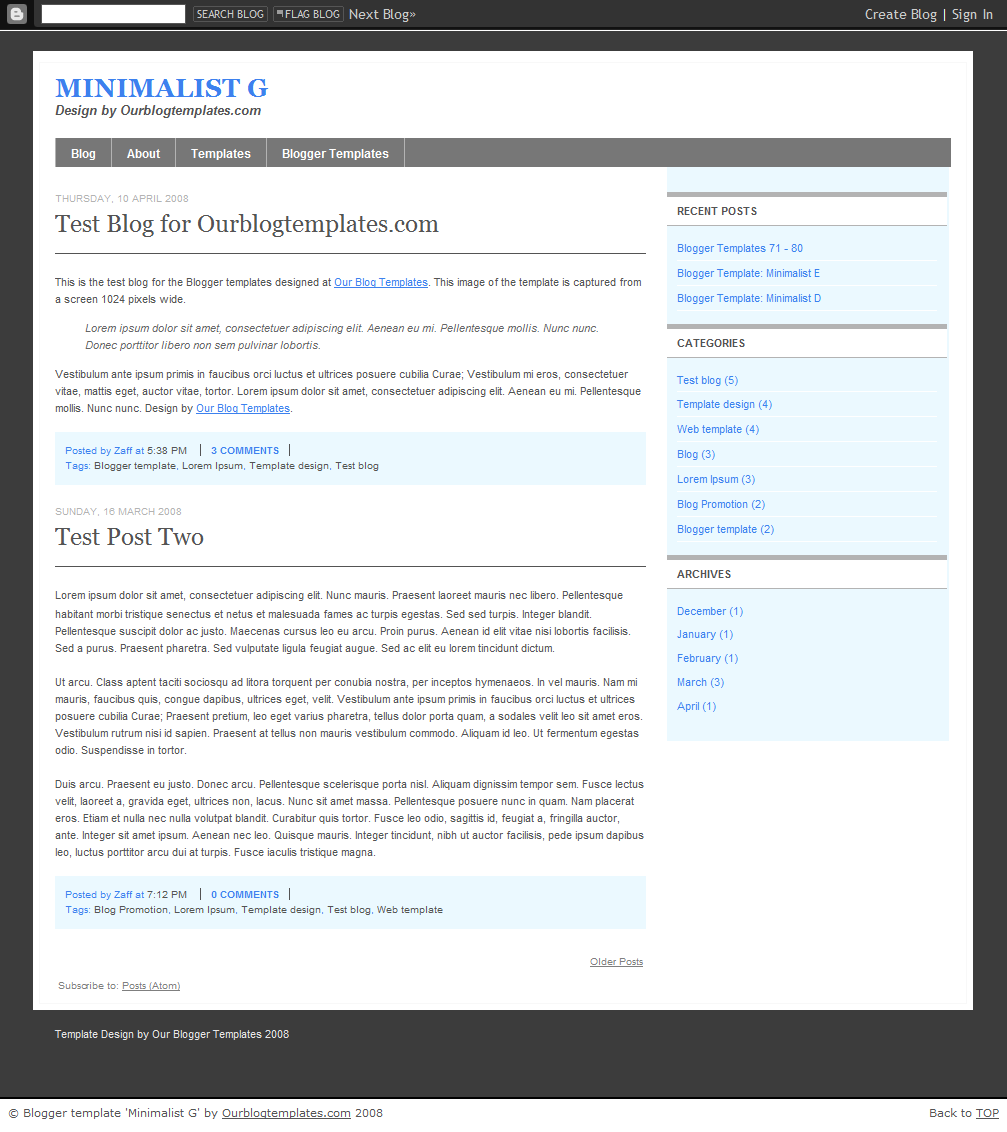
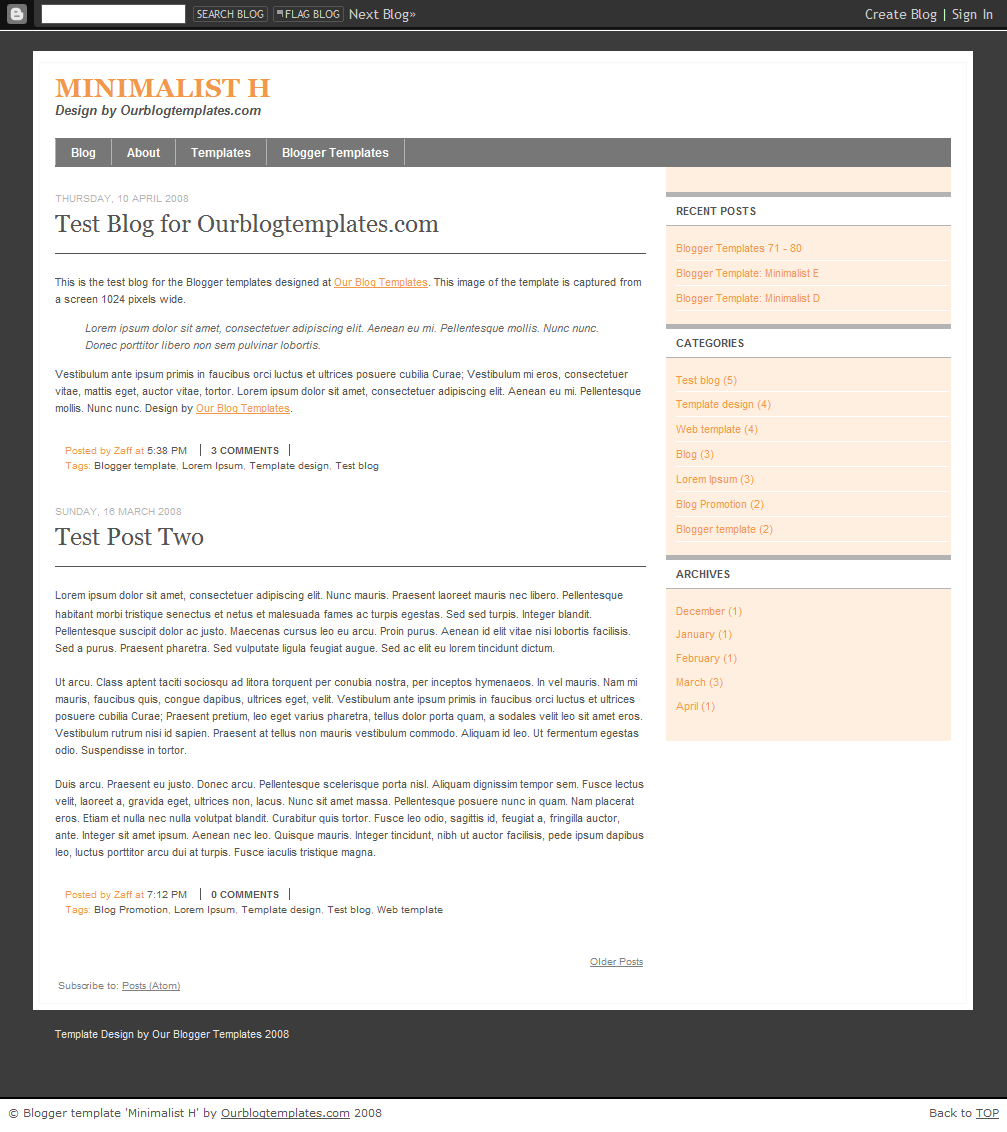
Click the image above, or from Flickr, to view the larger image, which is smaller than the actual size of 1024 px wide. The large image doesn't fill the whole screen but the actual template does.
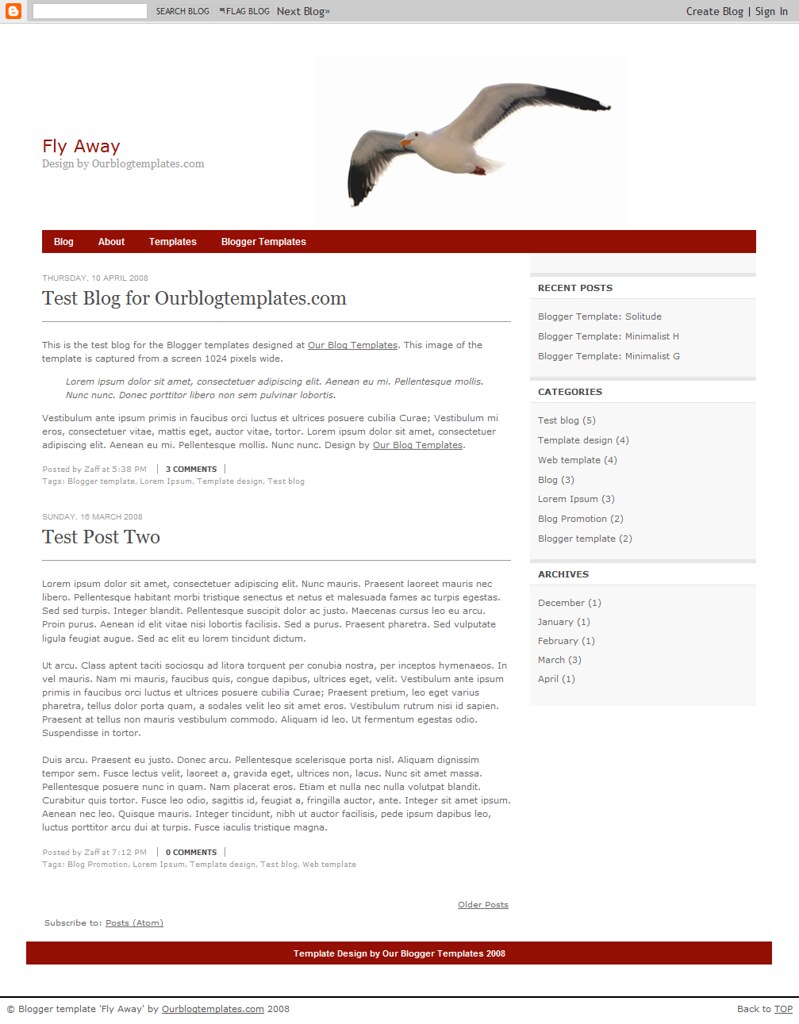
The sample template in the image above uses an image as its header. If you want to use your own image for the header, the image width has to be 892 pixels (with any height) to fit the header nicely. This template can be completely changed from the Fonts and Colors tab in the Layout panel.


Header image credit: adapted from Chor Ip.


Header image credit: adapted from Hamed Saber.

Header image credit: adapted from jurvetson.
Header Image
The header image doesn't come with the template file. To have the header image in your blog, save this image into your computer. Then, upload the image into the Page Element titled Header in the Layout section. As per license requirement, give a link to the image provider as mentioned in the credit section above.
This is a minimalist template with flexible 3 or 6 columns template, the additional 3 columns are below the post section. 99% of the colors and fonts can be easily changed from the Layout Section. (If I have my own personal blog, this would be the template of my choice due to its extreme simplicity yet with flexibility in the number of columns you can choose).

Header Image
The header image doesn't come with the template file. To put the header image in your blog, left-click on the image below and save the actual size into your computer. Then, upload the image into the Header Page Element in the Layout section of your blog.